Fitness · Guide
New Gym Class Launch Videos: Plan the Whole Campaign
Plan videos for a new gym class in Vancouver: confirm the offer, film useful explanations, scope launch edits and check the booking path before release.
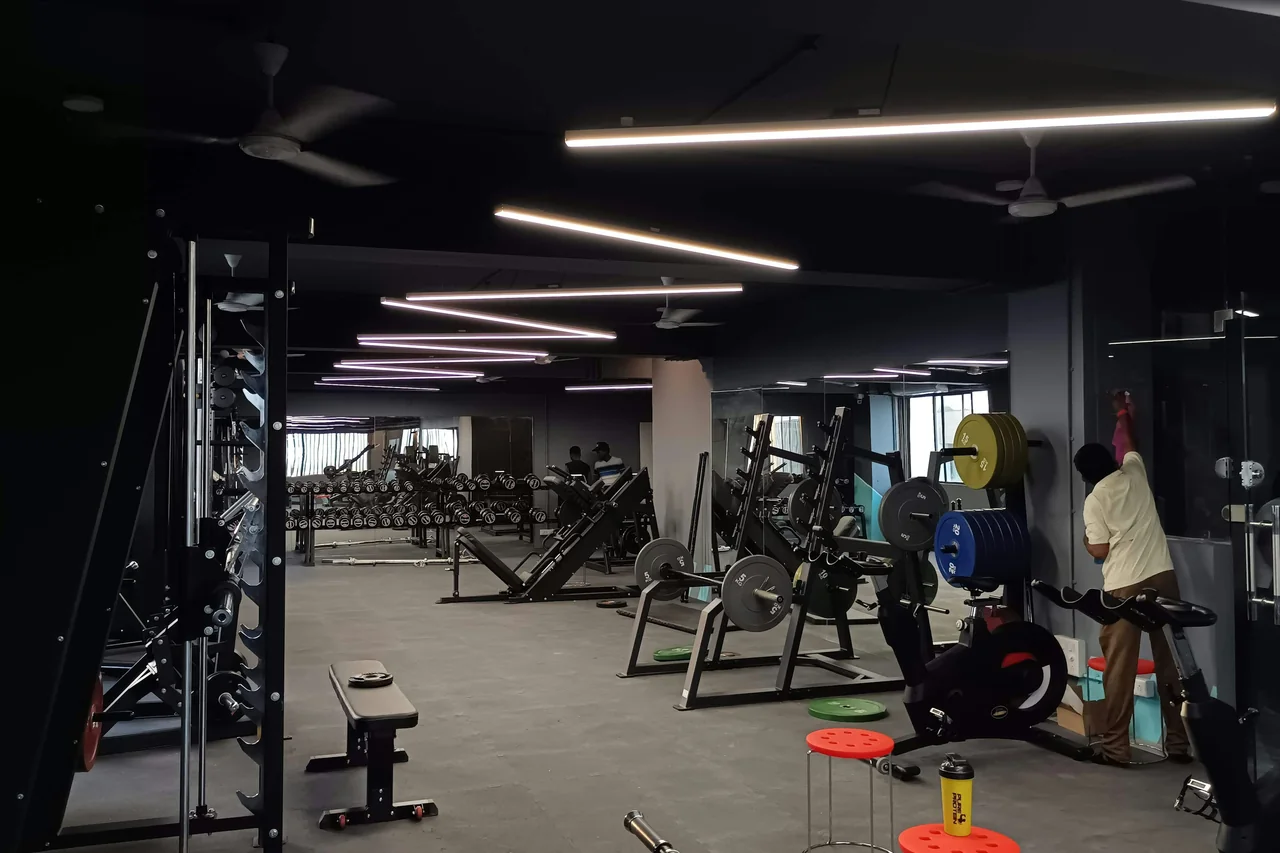
A useful gym class launch video explains what is new, who the class is for and how to join. Plan a small set of connected edits before filming: an announcement, a clear class explanation and a follow-up that reflects the real launch. Give each version a job and an accurate booking destination.
For a Vancouver gym or fitness studio, a new programme gives you something specific to talk about. The challenge is turning that news into information a potential member can use. Fast workout clips may show energy without explaining whether the session fits their interests, experience or schedule.
Start with the actual class offer, then build the filming brief around it. This guide focuses on the launch campaign. For organising filming windows around regular classes, use our separate gym video content-day guide.
Confirm the offer before writing the script
Write a short information sheet that the programme lead and the person managing bookings both approve. Include the class name, what happens during a session, intended participants, instructor, location and booking process. Separate confirmed details from decisions still being made.
If the studio has not settled the timetable, do not record a presenter announcing a permanent time. Keep changeable information on the current booking page, or in an ending that can be replaced. A reusable explanation and a dated announcement can share footage without sharing every line of text.
Ask what someone should understand after watching. “We have a new class” is news. “This is a coached small-group introduction to our strength programme, and here is how to see the current sessions” gives the viewer a decision to make. Only use descriptions that the studio can support. Avoid promises about weight loss, injury recovery or a guaranteed transformation.
Choose one audience and one next step
An existing member deciding whether to try another class needs different context from someone who has never visited. Pick the primary audience for the main explanation, then identify the information that audience is missing.
For current members, the useful difference might be the format, coaching or place in the timetable. For prospective members, explain what they can book and what their first session includes. Do not assume a visitor knows the names of your membership options or understands an internal programme acronym.
Choose a next step the studio can actually handle: view the class details, book an introductory session, or ask about suitability through the normal enquiry process. Use the same wording in the video ending and on the linked page. A film inviting a trial should not send people to a general homepage where that trial cannot be found.
Give each edit a different job
The following is a hypothetical launch package, not a required number of videos or a promise that one shoot can produce unlimited content. Scope the edits against the footage, presenter time and review capacity available.
An announcement can be brief because it points to the explanation. The explanation needs enough room to make sense on its own. A follow-up should add something new, such as the coach reflecting on the session, rather than repeat the announcement with different music.
Playbook's programme intro-video guidance similarly highlights explaining the programme and its structure. Its app-specific format and runtime suggestions are not universal requirements for a studio's website or social campaign.
| Edit | Question it answers | Material it needs |
|---|---|---|
| Announcement | What is new? | Class name, an honest glimpse of the format and a current next step |
| Main explanation | Is this a class I want to explore? | Coach introduction, session structure and relevant participation information |
| Focused answer | What is holding me back from booking? | One accurate answer to a question the team actually hears |
| Launch follow-up | What did the launch look like? | Approved footage from the real event, identified as that event |
Film the class promise, not just the hardest moment
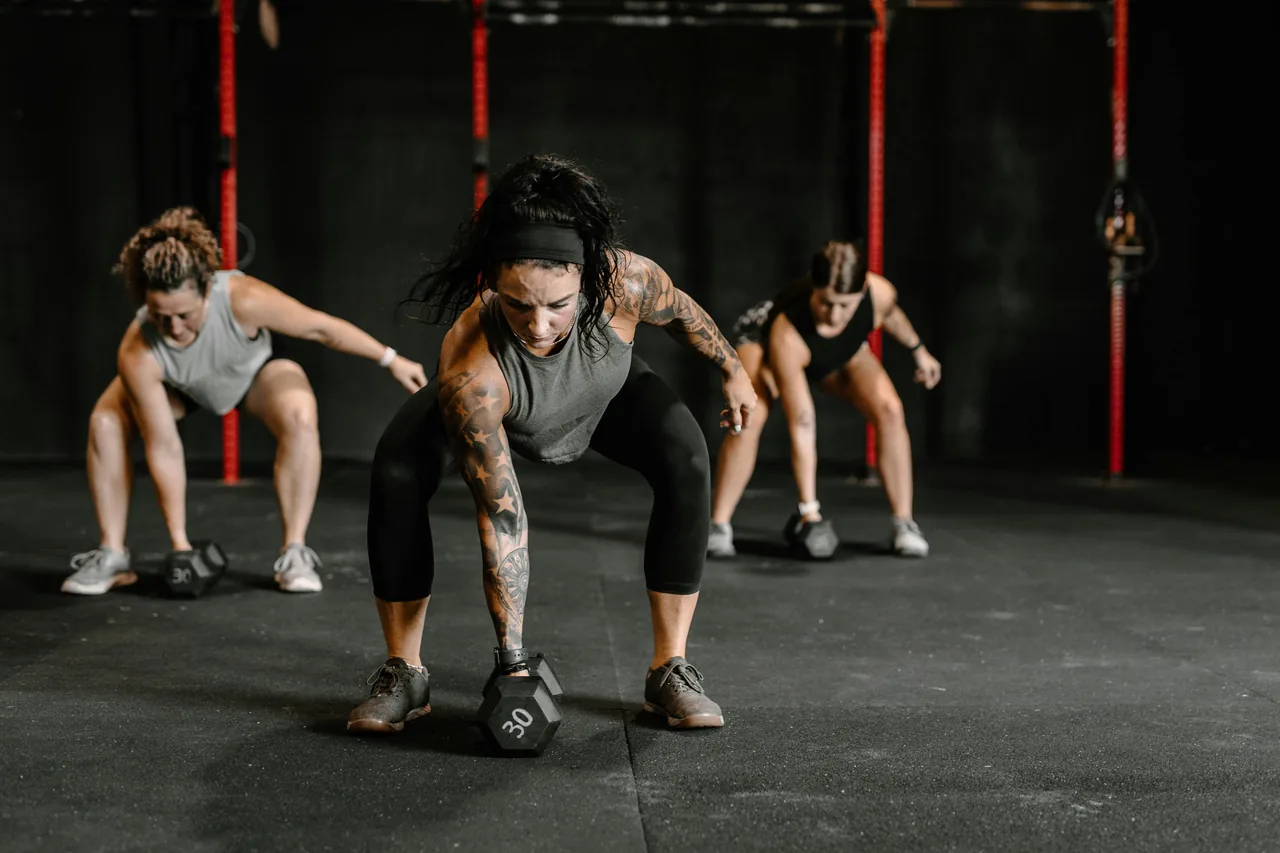
Build the shot list from the explanation. If the class is organised into coached stations, show how the coach introduces a station and how participants move through the session. If equipment is a defining feature, show it in the actual class setting rather than relying on unrelated gym footage.
Ask the instructor to select a representative sequence. Film enough context for the editor to show the setup, instruction and activity clearly. A series of close-ups can look polished but leave viewers unable to understand how the class works. Capture wider context as well as details and reactions.
Keep promotional filming separate from exercise instruction. The video should explain the service accurately, while the studio's qualified team controls the activities and any participant guidance. Do not ask people to attempt something unusual purely to make the footage more dramatic.
For a rehearsal, label it appropriately if the edit could otherwise imply a public launch has already happened. Do not stage attendance or use footage from another programme to suggest demand for the new one.
Record explanations separately from atmosphere
Give the coach a quiet window to answer short prompts in their own words: What is different about this class? How is a session organised? What should someone check before booking? Record complete answers that do not depend on hearing the interviewer's question.
Then capture the approved class activity. Agree who can appear, which areas are available and how people outside the production will stay out of the footage. Check the background, including mirrors and screens, before recording. Avoid treating everyone in the room as a participant in the promotional shoot.
Use our gym and fitness video production page to frame the service brief, and the video production brief template to record the deliverables. Named outputs are more useful than a request for “lots of reels”.
Plan the release and approval sequence
Work backwards from the first date the studio can genuinely welcome bookings. Allow time for the coach to review programme details, the manager to review the offer and the publisher to check each finished file. Agree who combines comments so the editor receives one clear set of notes.
Les Mills' programme-launch case study describes assigning launch responsibilities and planning around the timetable. That supports treating the video as one part of a coordinated launch; it does not establish a result your studio should expect.
Keep a simple release list containing the edit, destination, owner and accuracy-review date. Decide what happens to a dated announcement after the launch. If it remains useful as an explanation, replace the time-sensitive ending. If its offer has expired, remove it from active campaign placements rather than continuing to send people to old details.
Check captions, framing and the booking path
Include captions and the intended viewing formats in the brief. W3C's media-planning guidance treats accessibility as a production-planning task. Review captions for the coach's name, programme terminology and meaning; do not rely on an unchecked automatic transcript.
Watch each export at the size people will use. Check whether captions cover equipment or demonstrations, whether important text survives the crop and whether the ending is readable. A wide website edit and a vertical social edit may need different framing and text placement.
The publisher should open the actual destination from the finished post and confirm that the offer, location and next step agree. These checks should use the studio's approved publishing process. Do not confuse a review link with a published campaign or claim that a booking system works simply because its page loads.
Review the questions people still ask
After launch, ask the front desk and coach which questions remain. If viewers misunderstand the class format, improve the explanation. If people reach the details page but cannot locate the intended session, investigate that path before commissioning more footage.
Where the studio already has suitable measurement, compare visits to the class page, completed bookings and attendance over a stated period. Record what else changed, such as the timetable or offer. A booking after a video view does not, by itself, show the video caused the booking.
The next filming session can answer the most useful unresolved question. This creates a reason for another post without producing repeated announcements about the same class.
Before filming: the launch checklist
- Confirm the class offer, audience, location and current booking destination.
- Give each edit a distinct purpose and list the footage it needs.
- Separate reusable explanations from dated launch details.
- Confirm coach time, filming access and willing participants.
- Assign one person to consolidate reviews and one to publish.
- Specify captions, formats, editable endings and final-file labels.
- Set a review date for announcements and offers that can expire.
Frequently asked questions
Can one filming session create the whole launch package?
It can support several planned edits when the necessary explanations and activities are available. A launch-day recap requires footage of the real launch, so it may need a separate visit. Agree the actual filming and editing scope first.
Should every video include the class timetable?
Include the information needed for that video's purpose. Keep changing details on a maintained page, and use replaceable endings when a dated announcement needs a specific time. Check that viewers can find the current schedule.
What if the class is still being tested?
Describe the trial honestly and explain the available next step. Film the format that is actually being offered. Avoid presenting provisional details as a permanent programme or creating false urgency around places.