Planning · Guide
Video File Handover: A Checklist for Marketing Teams
Know what to request at video handover: final exports, captions, thumbnails, version labels, footage options and an organized delivery folder.
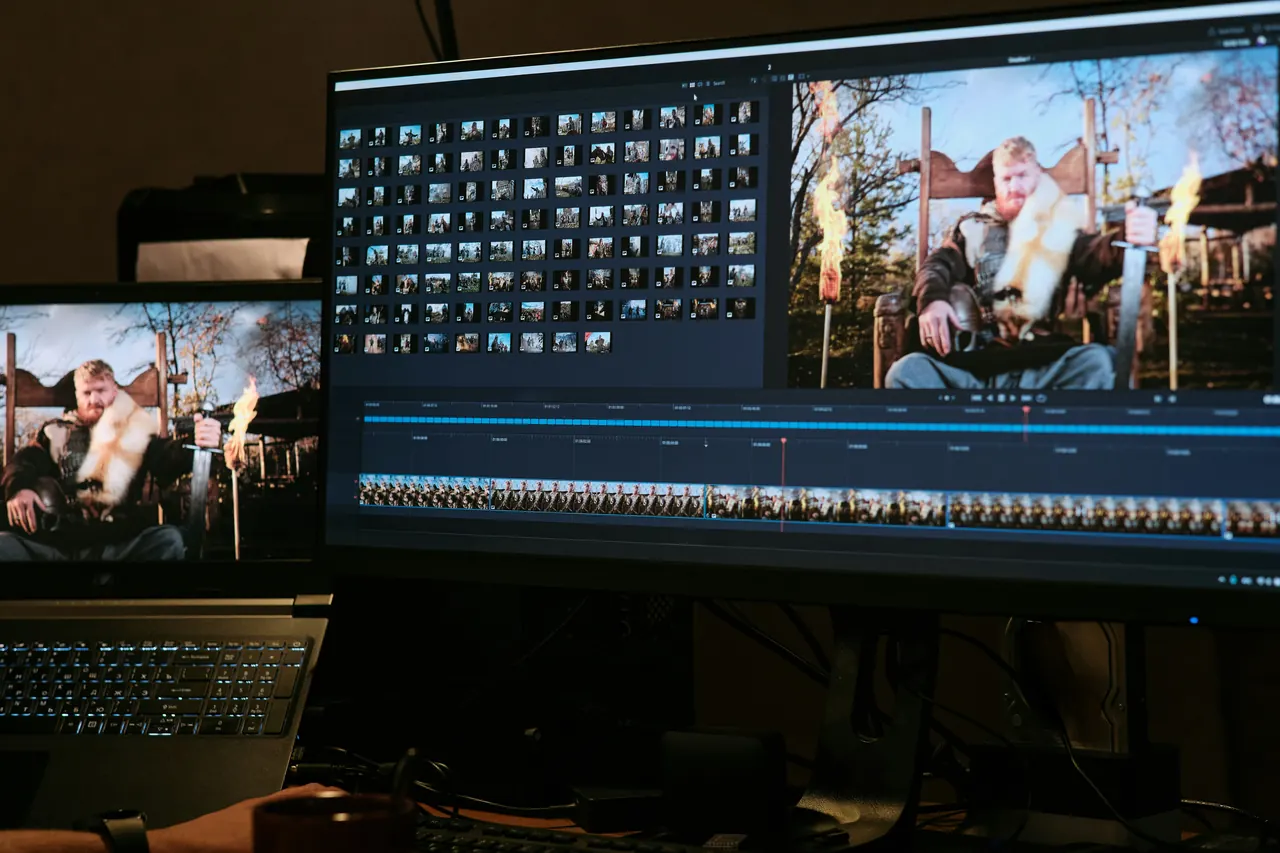
A good video handover lets someone publish the right file without guessing. Agree on delivery before production begins: the finished edits, aspect ratios, caption files and supporting assets should match where the video will be used.
Final exports, camera originals and editable project files are different deliverables. Confirm which are included in the scope instead of assuming that one download contains all three.
Create a delivery list by destination
Name each destination and who will upload the video. A website editor, event organizer and social media manager may need different versions. Check their actual requirements close to delivery rather than relying on a preset chosen months earlier.
For every file, record its intended use, duration, orientation and whether captions are visible in the image or supplied separately. If the team needs a clean master without titles or captions, request that explicitly.
Distinguish the files you are receiving
A final export is a finished video for viewing or publishing. Camera originals are source recordings; they may use formats that need specialist software and are not automatically ready to share. An editing project describes the edit and can depend on linked media, fonts, plugins and other assets.
Discuss any future re-editing plans with the production team. Ask what is included, what tools are needed, and whether third-party materials can be transferred or reused for the intended purpose. Do not assume raw footage alone is a complete archive.
Use filenames that prevent mistakes
Choose a short consistent structure such as Brand_Campaign_Platform_Ratio_Captions_Version. Keep approved files in a clearly marked final folder and move review copies elsewhere. A filename ending in “final-final-new” does not tell a colleague which export belongs on a landing page.
- Final exports grouped by destination or campaign.
- Caption and transcript files labelled with the matching video.
- Thumbnail options with a clear subject and readable text.
- A delivery note explaining formats, versions and intended uses.
- A named contact for missing files or publishing questions.
Check the download before the link expires
Open each file and watch it from start to finish. Check that the audio plays, text is correct, the last frame is intentional and the orientation matches the delivery list. Test captions in the player that will actually publish the video.
Store a verified copy in the business’s own managed storage. Confirm how long the production team retains working materials and whether later retrieval or edits are available; a temporary delivery link should not be treated as your permanent backup.
Leave a useful record for the next campaign
Keep the brief, approvals, delivery list and any relevant usage information alongside the approved masters. Note which footage contains old branding, a dated offer or people whose role may change.
At the next update, the team can decide whether a short revision is enough or whether new filming is needed. Organized handover makes that decision easier than starting with an unlabelled folder.
Frequently asked questions
Are raw footage and project files always included?
No. Inclusion and transfer conditions depend on the agreed scope. Ask before commissioning the work if you need either.
Should captions be burned into every video?
Not necessarily. Some placements suit visible captions, while others use selectable caption tracks. Request the versions that suit the publishing destination.